Why most VNC clients fail against a Mac
macOS Screen Sharing is VNC underneath, but its login isn't the classic 8-character VNC password — it's Apple's ARD security type: a Diffie-Hellman key exchange followed by AES-128-encrypted credentials, verified by macOS itself. Generic clients that skip that type either can't connect to a stock Mac at all or force you to enable legacy "VNC viewers may control the screen" password mode. This client implements ARD (and plain VNC password auth for standard servers), so a Mac needs no settings changed beyond turning Screen Sharing on.
What "web" buys you
- Zero install: works on locked-down office PCs, Chromebooks, and phones — anywhere a modern browser runs.
- Real decoding in the page: ZRLE, Zlib, CopyRect, and Raw encodings are decompressed in the browser and painted onto a canvas at full resolution.
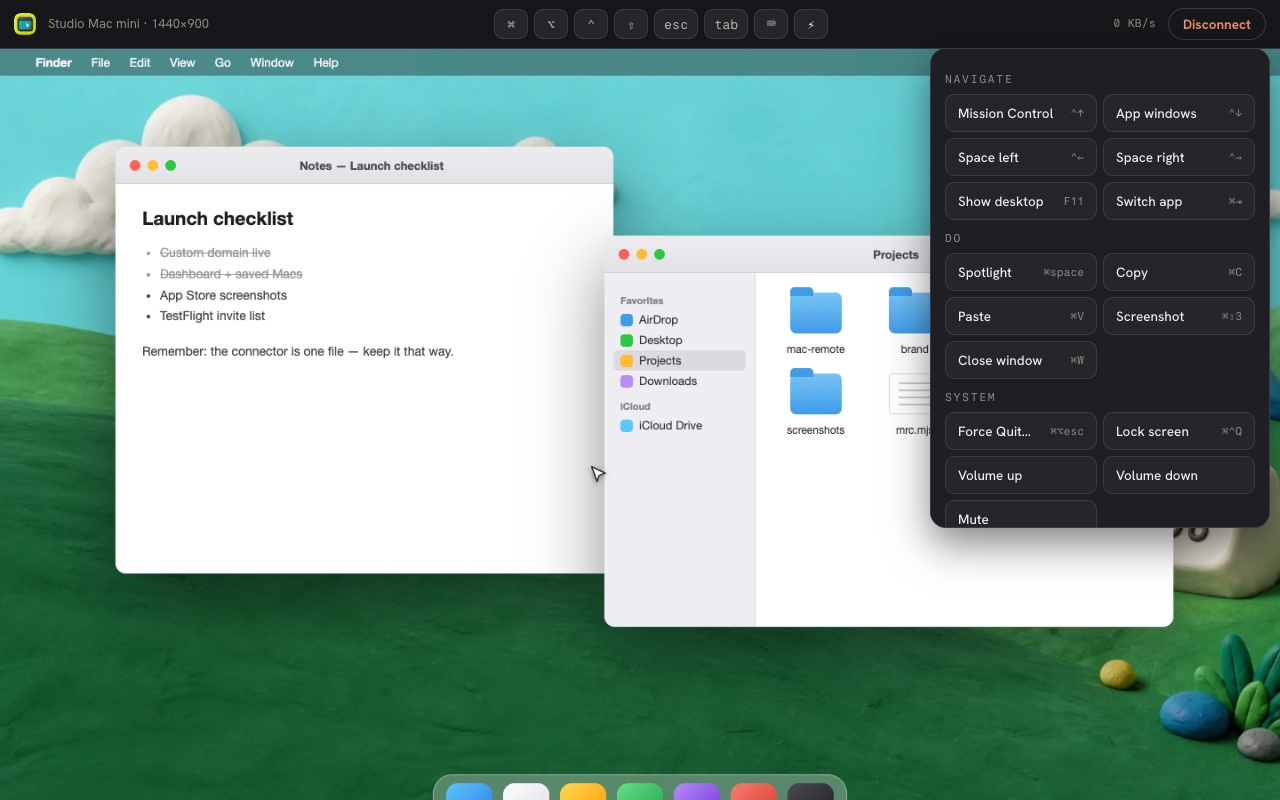
- Input that fits the device: mouse and keyboard on desktop; a touch trackpad with an accelerated pointer, pinch zoom, latching ⌘ ⌥ ⌃ ⇧ modifiers, and one-tap Mac shortcuts on touch screens.
- Multi-display aware: reads the server's layout when offered, infers it from the framebuffer when not, and offers manual splits for identical monitors.
How it reaches the VNC server
Browsers can't open raw TCP connections, so a web VNC client needs a bridge to port 5900. You get three, covered in detail on the how-it-works page:
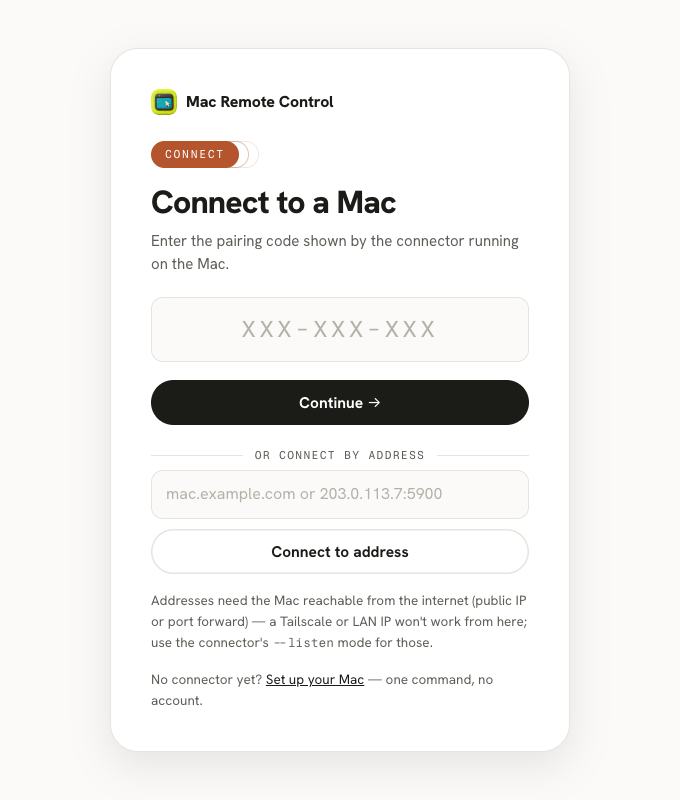
- Pairing code: a one-command connector on the Mac dials out to an edge relay — works across any two networks, no port forwarding.
- Connect by address: for a VNC server reachable from the internet (ports 5900–5999), our edge dials the TCP port and bridges it to your browser — nothing runs on the target. This also works with standard VNC servers, not just Macs.
- Direct mode: the connector serves the client from the Mac itself over your tailnet or LAN — fully offline-capable, no third party in the path.
Try it now
If your Mac (or any VNC server) is already reachable by address, open the viewer and use "connect by address" — you'll be at the login prompt in seconds. Otherwise the connector below gets a Mac online in about a minute. Either way, credentials travel encrypted end-to-end; here's the full security model.