What you need
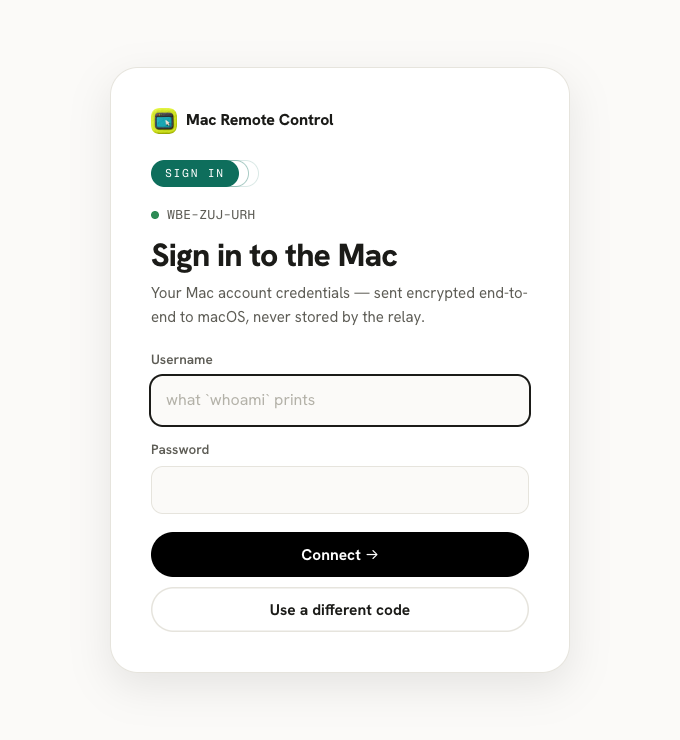
Three things, all on the Mac: Screen Sharing switched on (System Settings → General → Sharing), Node 21 or newer (macOS ships none — nodejs.org), and one command in Terminal. The connector is a single dependency-free Node script that dials out to a relay and prints a 9-character pairing code:
curl -fsSL https://macremotecontrol.com/connector.mjs -o mrc.mjs && node mrc.mjsOn any other device — a laptop, a work PC, a phone — open the viewer, type the code, and sign in with the Mac's own username and password. You're at your desktop: full mouse, keyboard, and every display.
Remote access when the Mac is not on the same network
This is the case that breaks most built-in tools: Apple's Finder-based Share Screen only works on the local network. The pairing-code relay is built exactly for it — the Mac and your browser each make an outbound connection to the relay, so the session crosses NAT, hotel Wi-Fi, office firewalls, and LTE with no port forwarding and no VPN. Your home Mac stays reachable from a different city as easily as from the next room.
Three ways in, depending on your setup
| Your situation | Best road |
|---|---|
| Mac behind a home/office router, you're anywhere | Pairing code — the default (how it works) |
| Mac with a public IP or a port-forward on 5900–5999 | Connect by address — nothing runs on the Mac at all |
| Both devices on your Tailscale tailnet or LAN | Direct mode — our servers completely out of the path |
Is remote access to a Mac safe?
Done this way, yes. Signing in runs Apple's own ARD authentication end-to-end — a Diffie-Hellman exchange, then AES-128 — so the relay never sees your password, and macOS itself does the verification. The connector only dials out, so your Mac keeps zero open ports, and a pairing code without your macOS password opens nothing. The full details are on the security page.
Keep your Macs one click away
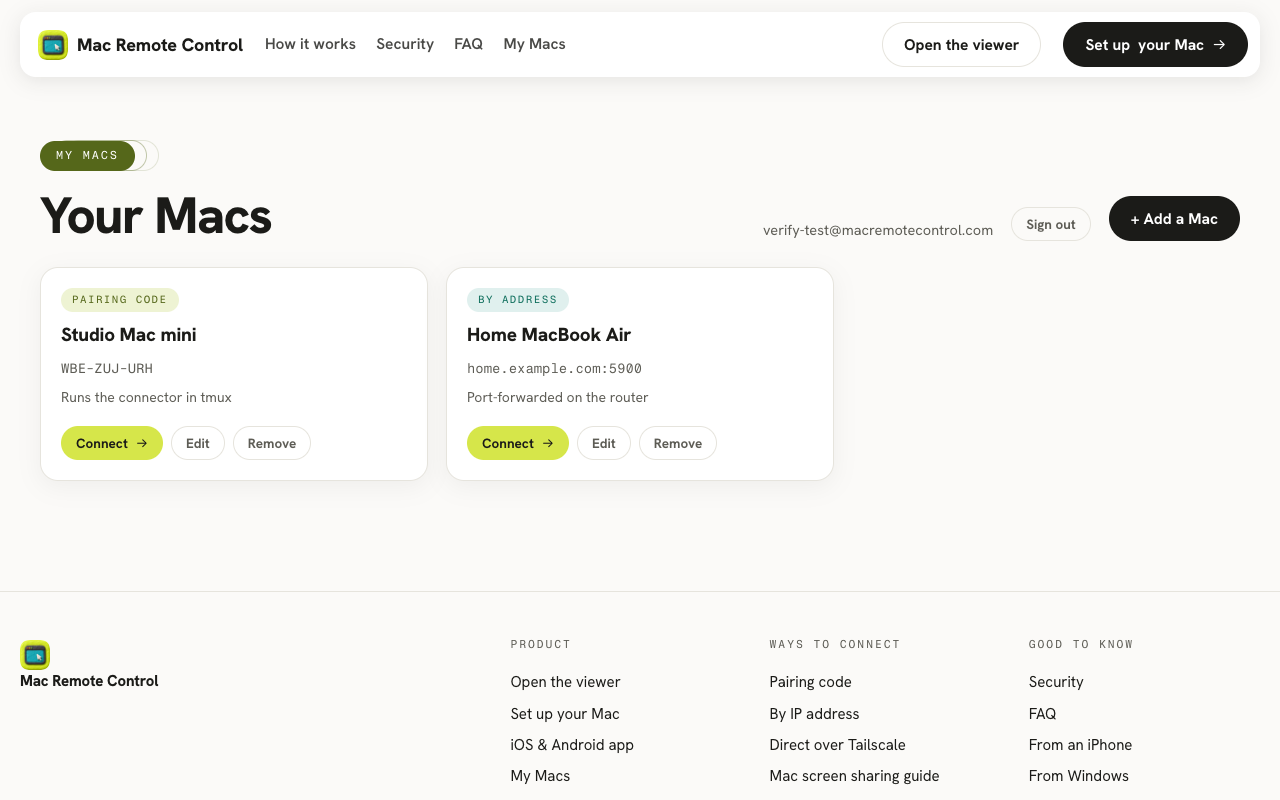
If you reach the same machines often, a free account adds a dashboard: name each Mac, save its address or latest pairing code, and Connect from any browser you sign in on.
From devices that aren't Macs
Because the viewer is a web page, the device you connect from just needs a browser: Windows PCs, Chromebooks, iPhones and iPads, Android — with a native iOS and Android app on the way. Nothing to install, no admin rights needed.
Prefer the deeper dive first? Read how the three connection modes work, or the Mac screen sharing guide for the built-in options too.