1. Pairing code — works everywhere
The default road, built for the common case: your Mac is at home behind NAT, and you're somewhere else. You run a single command on the Mac:
curl -fsSL https://macremotecontrol.com/connector.mjs -o mrc.mjs && node mrc.mjsThe connector is a single dependency-free Node script — about 350 readable lines you can audit before running. It opens an outbound WebSocket to a relay on Cloudflare's edge and prints a 9-character pairing code like XKR-92M-4TQ. On any other device, you open the viewer, type the code, and sign in with the Mac's own username and password. The relay pipes bytes between the two connections — it can't read your credentials (they're encrypted end-to-end by Apple's ARD handshake) and it never learns your Mac's address beyond the connection it dialed out from.
Because both sides dial out, this road crosses NAT, hotel Wi-Fi, office firewalls, and LTE without any port forwarding or VPN. Codes expire within 24 hours, and stopping the connector (one Ctrl-C) kills the session instantly.
2. Connect by address — nothing runs on the Mac
If your Mac is reachable from the internet — a public IP, or a router port-forward in the VNC range (5900–5999) — you don't need the connector at all. Type the address into the viewer and our edge opens a TCP connection to the Mac's Screen Sharing port and bridges it to your browser's WebSocket.
Note that Tailscale and LAN addresses are not reachable this way: the bridge runs on the public edge, and a 100.x or 192.168.x address is invisible from there. For those, use direct mode below.
3. Direct mode — your tailnet, our servers cut out
Already run Tailscale (or you're on the same LAN)? Run the connector in listen mode:
node mrc.mjs --listen 5800 --no-relayThe Mac then serves the viewer itself at http://<tailscale-ip>:5800 and bridges it straight into Screen Sharing. Every byte stays inside your tailnet; the relay is never contacted, and it keeps working with no internet at all.
Which road should I use?
| Situation | Use | Runs on the Mac |
|---|---|---|
| Mac at home/office behind NAT, you're anywhere | Pairing code | Connector (dials out only) |
| Mac with a public IP or a 5900-range port forward | Connect by address | Nothing |
| Both devices on your tailnet or LAN | Direct mode (--listen) | Connector as a local server |
What the browser actually does
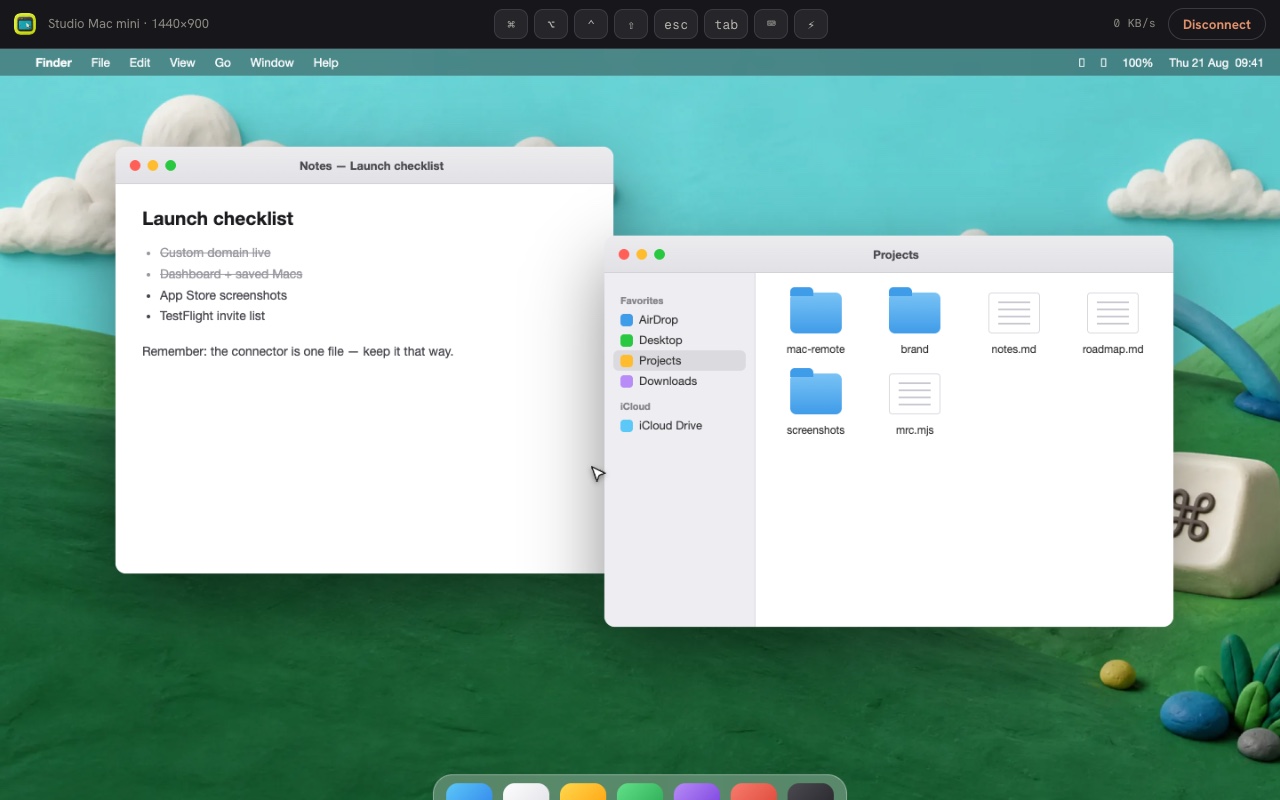
The viewer is a full RFB client written in TypeScript: it performs Apple's ARD authentication (a Diffie-Hellman exchange followed by AES-128), negotiates ZRLE encoding, decompresses the framebuffer in the browser, and paints it onto a canvas. Multiple displays, touch-trackpad input, an on-screen keyboard and one-tap Mac shortcuts are all part of the same page — nothing to install on the viewing side, ever.
Ready to try it? Set up your Mac — one command, about a minute — or read the security model first.